 Contact
 Offices
 DRV Online
 Search
DRV Facturen: frequently
asked questions
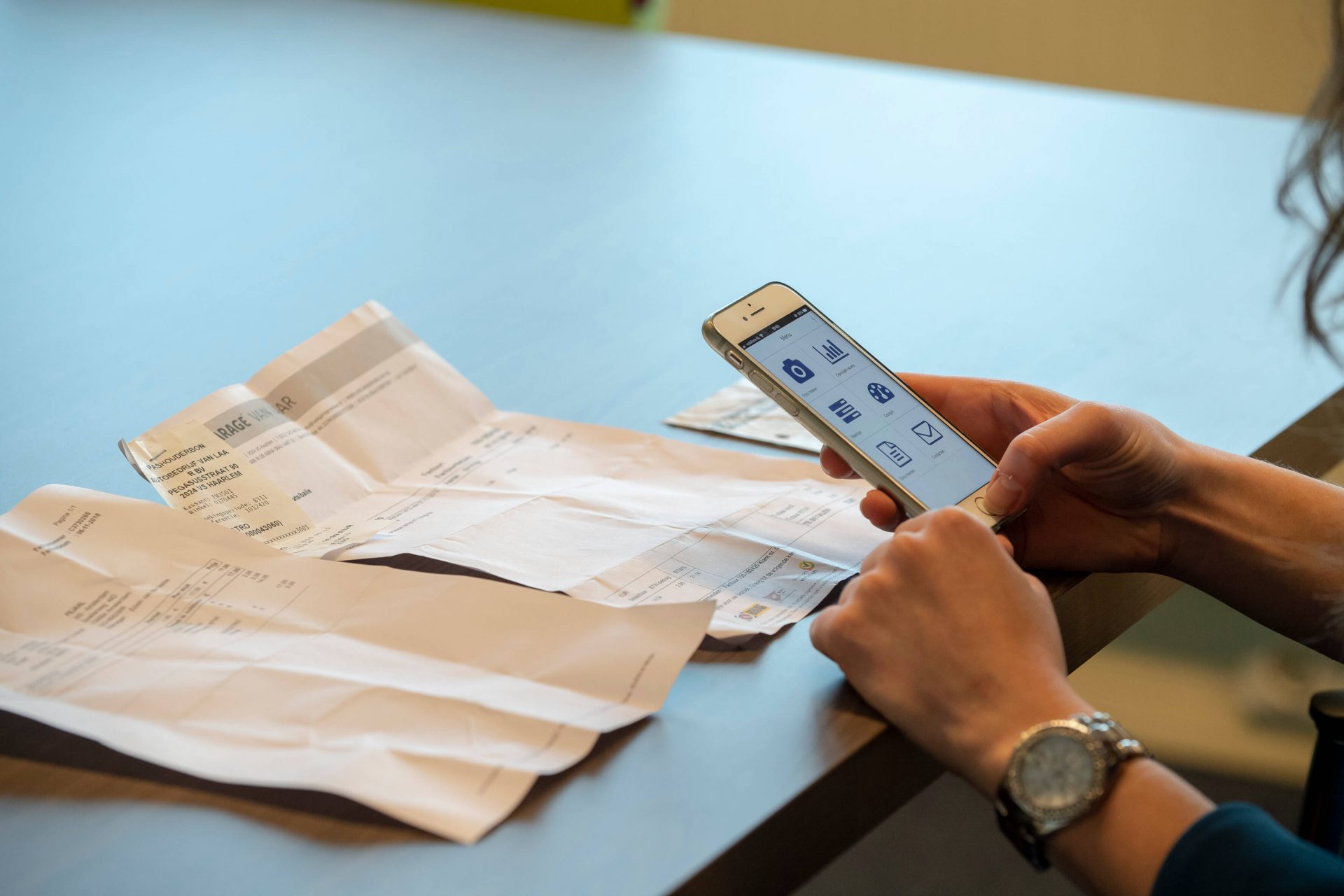
DRV Facturen is a programme that digitises, automates and authorises incoming and outgoing invoices and receipts. It is a secure programme, which can be used as an app (Android/iPhone) or as a web application. Lots of questions about DRV Facturen have been asked before. Answers to frequently asked questions have been gathered on this page. If your question is not included, you can always contact us.
Do you use the useful DRV Facturen app yet? Download it now: Android / Apple
DRV Facturen
What do I do if I forget my password?
You can easily reset your password by following the steps below.
- Go to the screen where you usually log in or https://mfo-drv.lyanthe.com.
- Click ‘Forgot password?’ at the bottom of the page.
- Enter your username or email address.
NB: Do not enter both as this will result in an error message. - Press ‘Send email’ to confirm.
In a few moments, you will receive an email containing a link that you can use to reset your password.
What do I do if I forget my username?
You can request your username from your contact person at Moore DRV.
Where should the email address for DRV Facturen appear?
The email address for DRV Facturen may only appear in the TO field. It may not appear in the CC or BCC field. No other email addresses may appear. Otherwise, the document will not be accepted.
Which types of documents can I submit in DRV Facturen?
You can submit all .pdf, .tif, .jpg, .rtf, .doc, .docs, .xls and .xlxs documents in DRV Facturen.
Does DRV Facturen have an app?
There is an app that you can use to take photographs of and forward invoices, receipts and other documents. You can also use this app to approve invoices. You can download the app here:
Which types of documents can I forward?
You can forward purchase invoices and sales invoices. All documents are classified as purchases by default. Documents are assessed differently if the following words are used in the email subject line:
- Purchase: ‘purchase’, ‘P’, ’Aankoop’
- Sales: ‘Sales’, ‘Verkoop’ ‘S’, ‘V’, ‘S + any description’
I scan my invoices. Which specifications do documents need to comply with for DRV Facturen?
For optimal processing, the scan requirements are at least 300 DPI in black and white.
How large can one email be that I forward to DRV Facturen?
Invoices forwarded to DRV Facturen may not exceed 10 MB each.
How do I access my archive?
Follow the steps below to access your archive:
- On the DRV Facturen website, select ‘Werkstroom’ —> ‘Werklijst’ [‘Workflow’ —> ‘Worklist’]
- Tick the green thumb icon in the top right-hand corner
- Then click: ‘Mijn Werklijst’ —> ‘Archief’ [‘My Worklist’ —> ‘Archive’] (> 1 month)
- Click ‘Laatste 3 maanden’ [‘Last 3 months’] and select ‘Alle’ [‘All’]
- You can now set a filter for each column in order to search for a specific invoice.
Question not answered?

If your question is not listed or the answer is unclear, our Service desk will be happy to help you. Call, WhatsApp or email us, or fill in the contact form on the Service desk page. We are available on working days between 8.30am and 5pm.